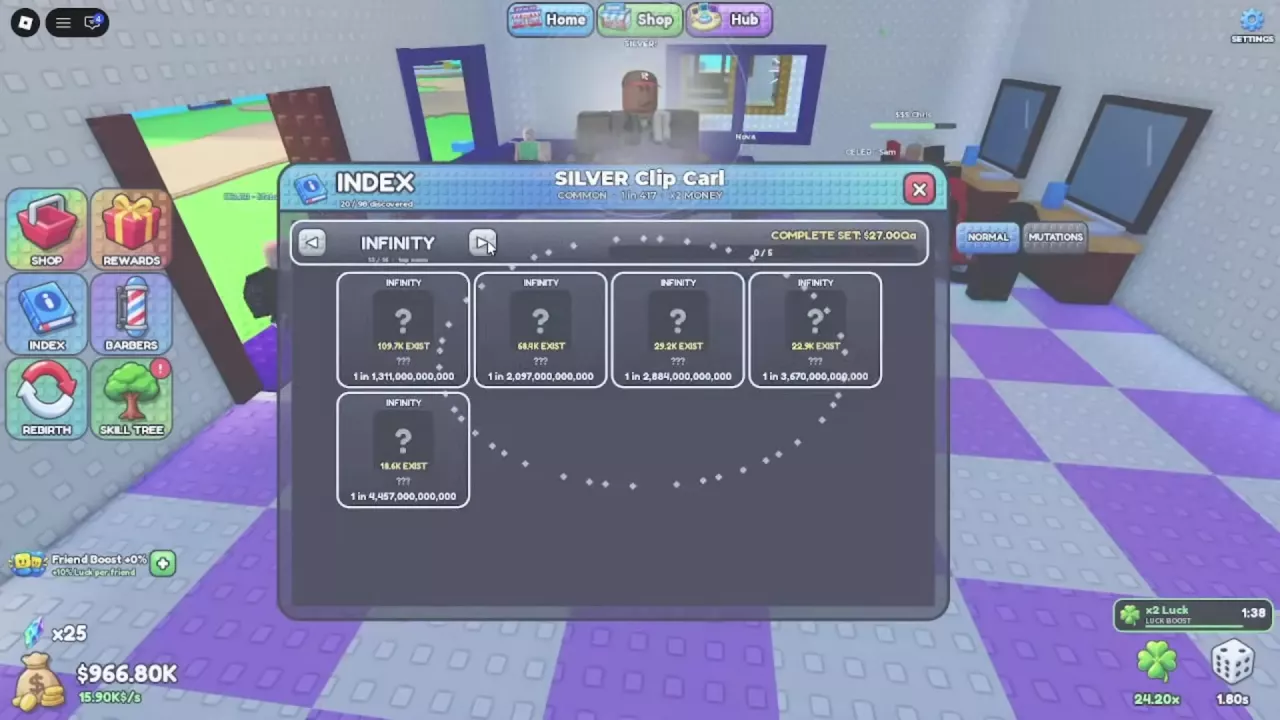
- Click INDEX in the left-side menu.
- Choose NORMAL or MUTATIONS using the controls beside the Index panel.
- Click the arrows on either side of the category heading to browse rarity sets.
Use MUTATIONS when checking your mutation collection. For mutation types, money bonuses and acquisition conditions, see the mutations guide.